
QR Ordering for
Every Table
Guests scan, browse, order, add notes, and send items to your restaurant workflow.
Lucky POS QR Code Ordering reduces waiter handoffs while keeping every table order, member benefit, and kitchen update connected.
Core Features
Built for phone-based ordering without adding counter pressure
QR Ordering Steps
A simple guest flow from scan to kitchen sync
Guests order from their own phones while your staff keeps control through POS, kitchen routing, and service status.
Technical & Management Support
Manage QR codes, ordering rules, kitchen sync, and local service settings from one focused console.
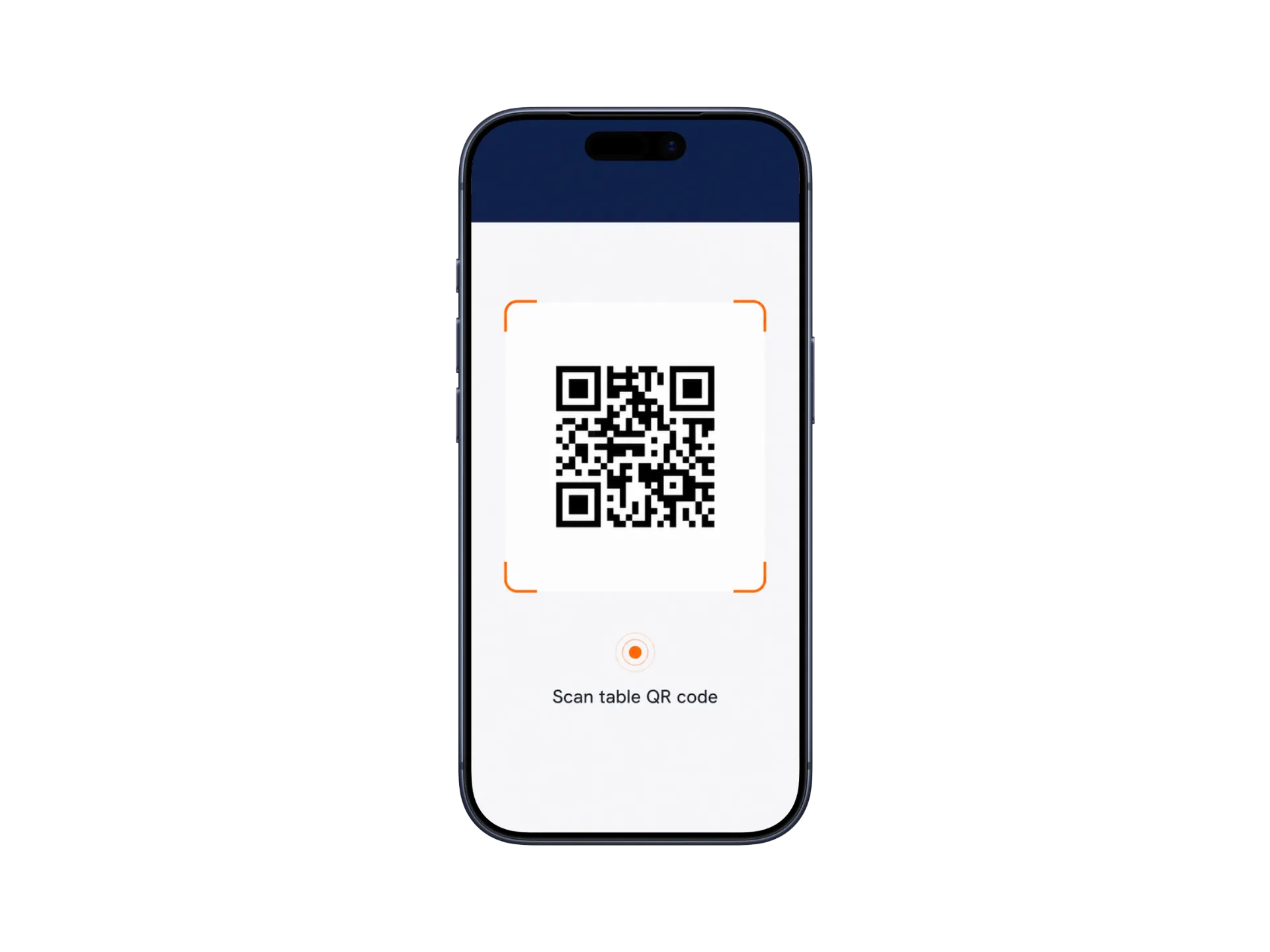
Illustrations use simplified UI with enlarged key elements. Actual screens may vary by product version and configuration.
Where It Fits
QR ordering adapts to different guest-service moments
Dine-In Restaurants
Guests scan at the table, order together, add notes, and reduce waiter handoffs.
Dine-In Restaurants
Guests scan at the table, order together, add notes, and reduce waiter handoffs.
- Table QR
- Shared order
- Add dishes
Quick Service
Counter QR ordering helps customers browse and order before reaching the cashier.
- Shorter queues
- Takeaway
- Fast menu access
Cafe & Beverage Shops
Guests choose toppings, sugar levels, ice levels, and member benefits clearly.
- Options
- Member offers
- Pickup flow
Business Value
Visible gains when guests order from their own phones
Less waiter order-taking pressure
Faster table ordering flow
More add-on ordering opportunities
Always-available digital menu
We Have the Answers
Common questions about QR ordering setup, member flow, and kitchen sync
No. Guests can open the ordering menu through a web page after scanning the QR code.