
Restaurant POS for
Rush Hours
Fast ordering, clear checkout, and kitchen-ready tickets from one counter screen.
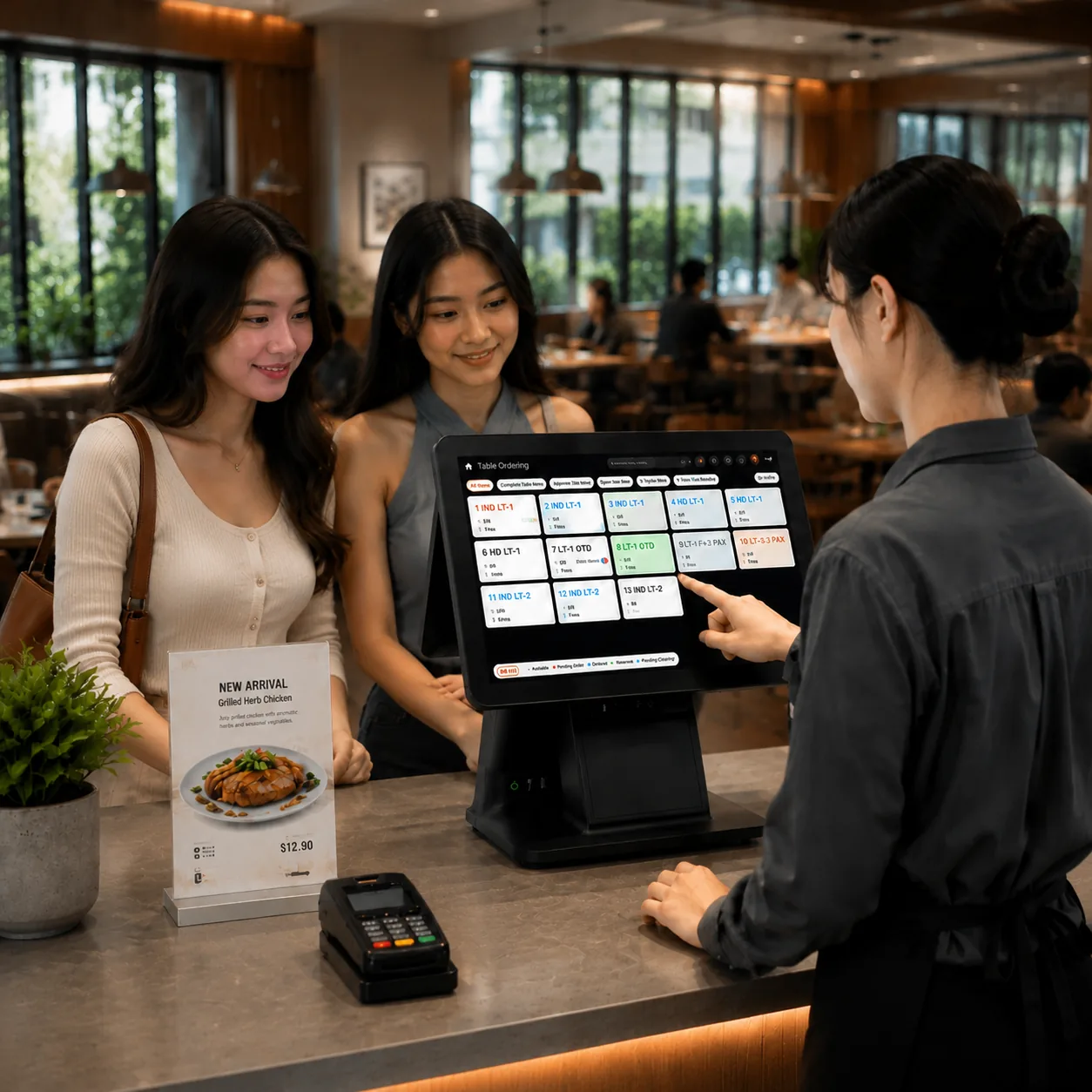
Lucky POS keeps table service and quick-service counters moving when every minute matters.
Front Counter Workflow
A cleaner way to connect counter, kitchen, and management work
-
Order faster
Switch between tables, counter service, and takeaway in seconds.
-
Pay clearly
Keep payments, receipts, and bill details in one flow.
-
Sync teams
Send order notes and status updates to the right stations.
-
Close shifts
Use permissions and handover records to keep control.
Core Features
Built for the busiest moments at the counter
More Tools to Run Your Floor
Small controls that make service feel smoother
Permissions & Shifts
Control cashier access and keep shift records consistent.
Receipt Printing
Print front-counter receipts for checkout and customer confirmation.
Item Notes
Attach spice level, allergy notes, and custom requests.
Add Items & Rush Orders
Add dishes to open bills and send rush reminders.
Customer Display
Display items, member info, and payment QR codes.
Offline Mode
Continue key counter actions during temporary network issues.
*For more features, please contact technical support. Some features are continuously being optimized, actual experience is subject to the latest version.
Front Counter Service Flow
A clear path from first order to shift close
Lucky POS keeps counter service, payments, kitchen handoff, and shift records moving through one live workflow.
Hardware & Compatibility
Ready for your counter setup
POS terminals
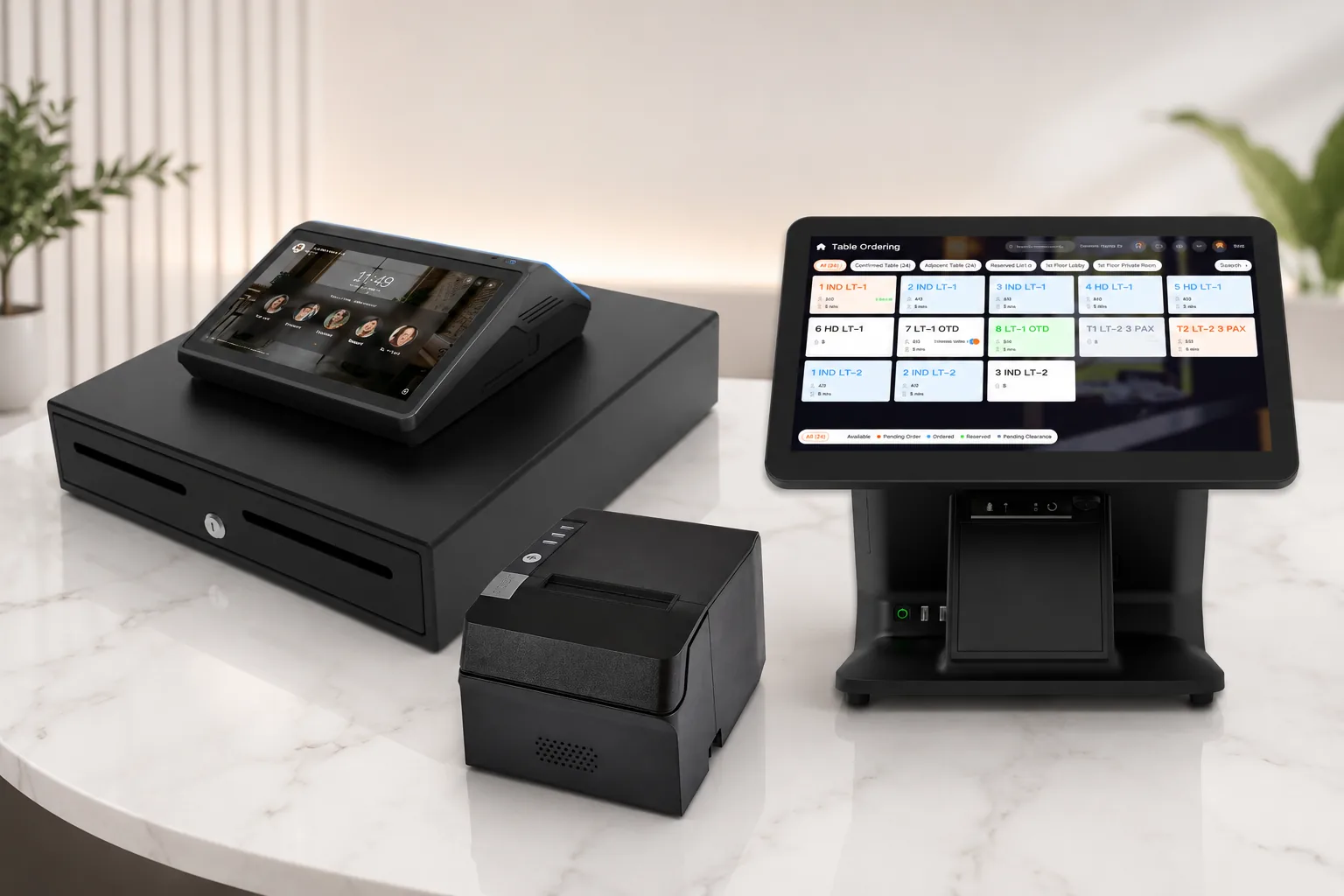
15.6-inch, 10.1-inch, and dual-screen form factors.
Front-counter peripherals
Receipt printer, cash drawer, scanner, and customer display.
Local integrations
Payment and delivery integrations follow local provider availability.
Where It Fits
One counter system for different service styles
Quick Service
Fast order entry, simple checkout, and sold-out updates help staff handle peak traffic.
Quick Service
Fast order entry, simple checkout, and sold-out updates help staff handle peak traffic.
- Fast checkout
- Takeaway
- Sold-out control
Dine-In Restaurants
Table ordering, notes, add-ons, and customer display keep service transparent.
- Table service
- Order notes
- Dual screen
Multi-Store Operations
Standardized cashier flow and clean shift records make daily management easier to repeat.
- Permissions
- Shift reports
- Unified workflow
Business Value
Visible gains for busier restaurant counters
Higher checkout efficiency
Shorter peak-hour queues
Payment success rate
Stable daily operation
We Have the Answers
Common questions about POS setup, integrations, and daily use
Key front-counter actions can keep running under supported offline settings. The final behavior depends on your local deployment and the latest version.