
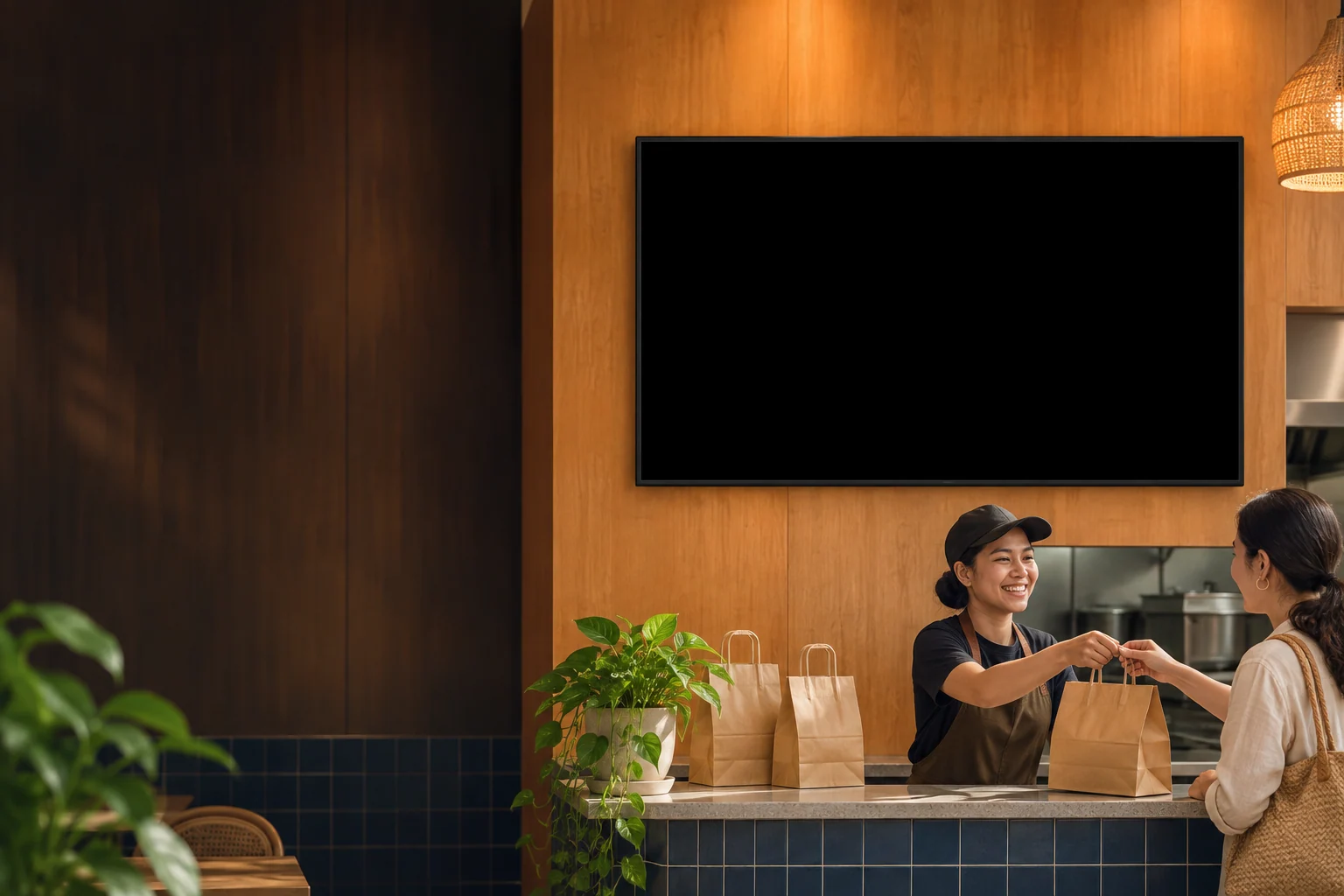
Order Pickup
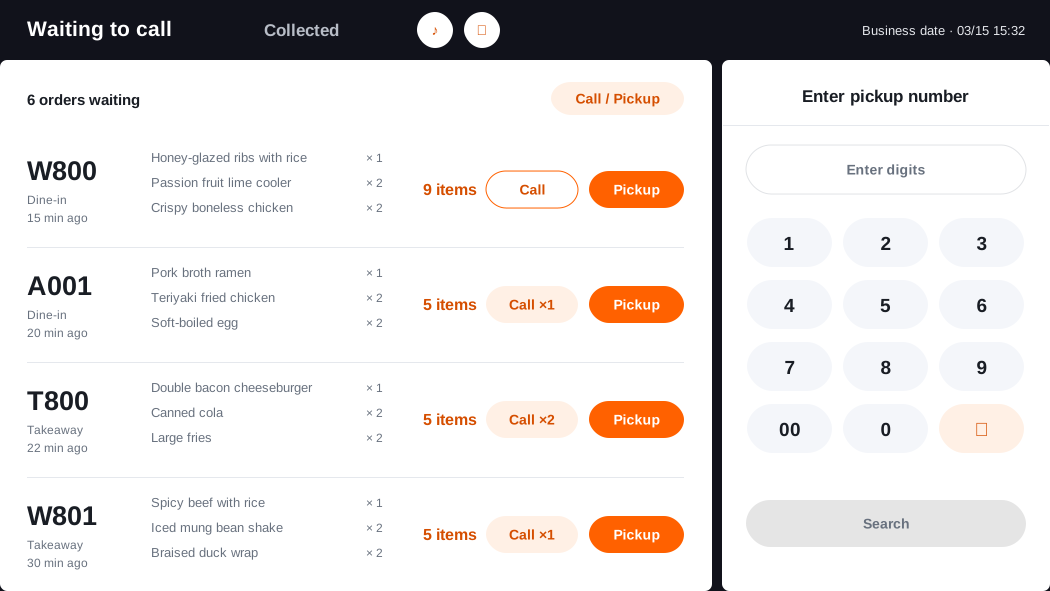
Call from POS
Let guests know when their food is ready.
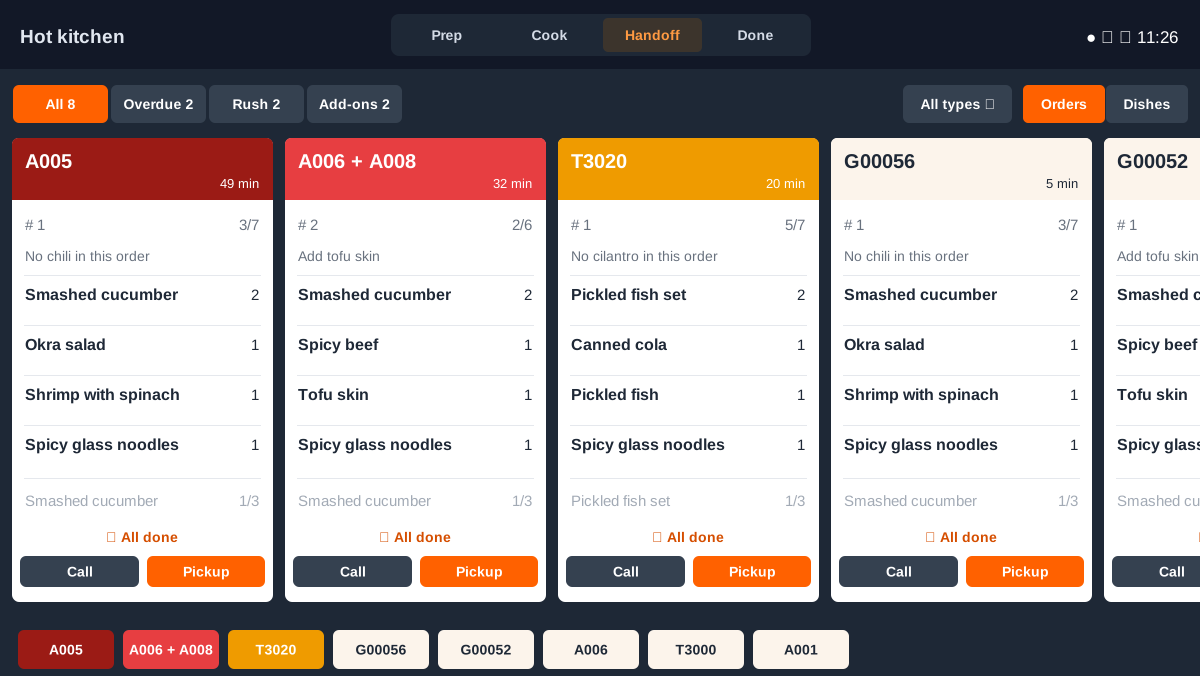
Call pickup numbers from the front counter POS or the KDS handoff station. Guests can listen for their number or check the CDS pickup screen before heading to the counter.
Core Features
Coordinate the front counter, kitchen, and guest display from the first call to pickup.
Order Pickup Flow
Four steps from getting a number to collecting the order.
Choose the station that hands out orders. The front counter can call from POS, and the kitchen can call from the KDS handoff queue.
Try calling from POS or KDS
Choose where to call order C0019, then see what changes on the guest screen.
- C0019
- C0022
- C0023
- C0024
- A0025
- C0019
- C0020
- A0018
A full pickup board or a split screen with an ad
Choose a layout that suits your waiting area. Voice alerts and the CDS display can be enabled separately.
- C0022
- C0023
- C0024
- A0025
- C0019
- C0020
- A0018
Full-screen pickup board
Show preparing and ready orders in separate columns. The number being called appears larger so guests can read it from farther away.
- C0022
- C0023
- C0024
- A0025
- C0019
- C0020
- A0018
Pickup numbers beside an ad
Put pickup information on the left or right half and use the other half for an ad image. The ad stays visible during a pickup alert.
Business Value
Give staff and guests a clear next step from order preparation to pickup.
Less time from call to handoff
Fewer pickup status questions
Fewer repeat calls
Illustrative estimates. Results depend on guest traffic, calling setup, and the pickup process.
Order Pickup FAQ
How calling, voice alerts, and the guest display fit together.
Yes. Use POS if the front counter handles handoff, or enable calling in the KDS handoff module if the kitchen hands out orders.