
KDS — Efficient, Organized, Error-Free Kitchen
Digital Orders, Standardized Operations, Smoother Kitchen Coordination
Lucky POS KDS is the "command center" of the kitchen, replacing traditional paper tickets and receiving real-time orders from POS and QR code ordering. Through task distribution, time tracking, and priority management, every dish can be delivered to customers at the optimal time.
Core Features
Intelligent Kitchen Management, Enhanced Service Efficiency
Real-time Order Sync
Second-level Updates, Zero Delays
Orders from POS, KIOSK, QR code ordering and other front-end systems are instantly pushed to kitchen terminals with seamless information synchronization.
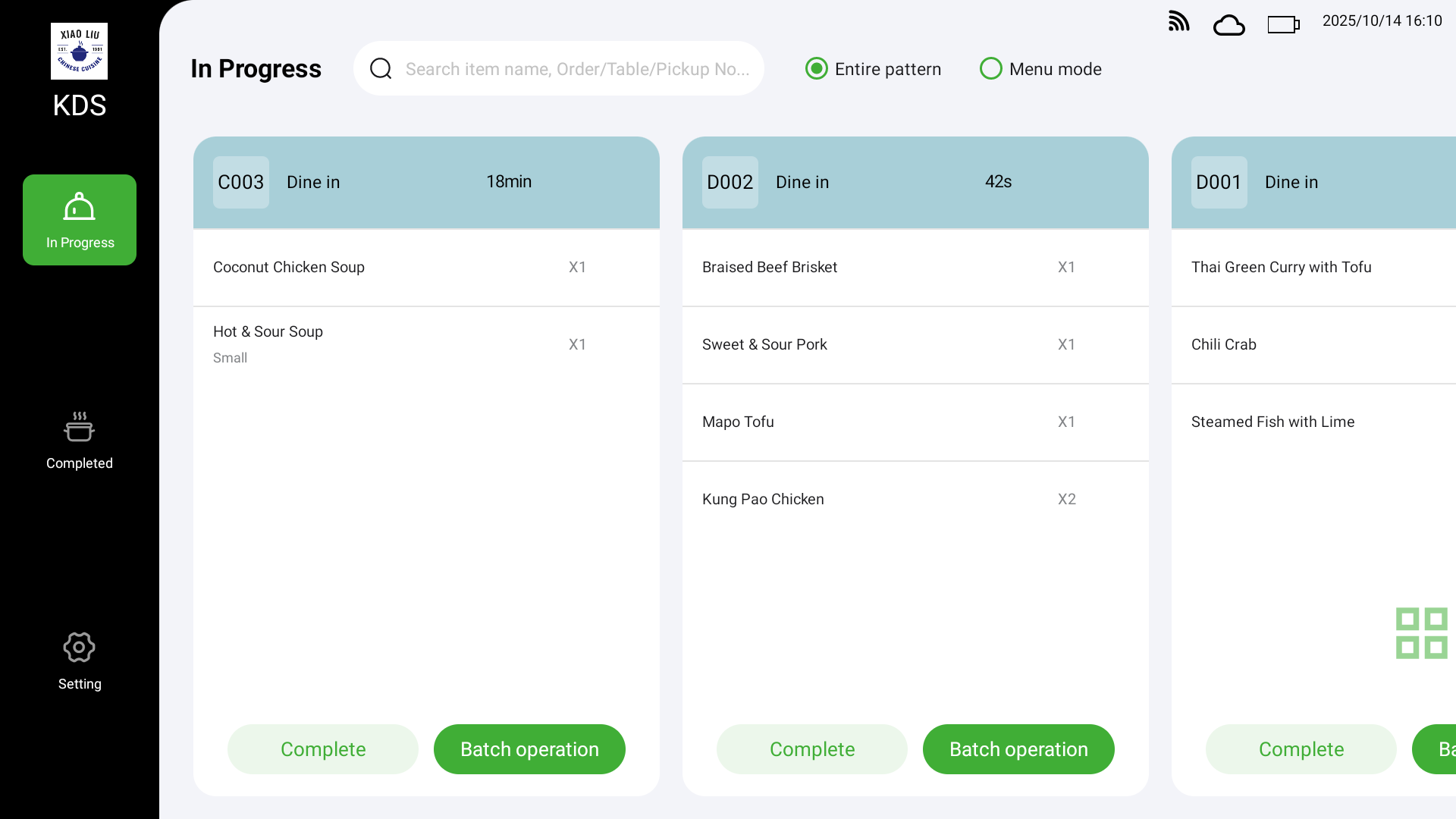
Station-based Display
Clear Zones, Dedicated Screens
Supports automatic dish allocation by station display, such as hot dishes, cold dishes, beverages. Only displays items for the specific station, allowing chefs to focus on preparation and avoid confusion.
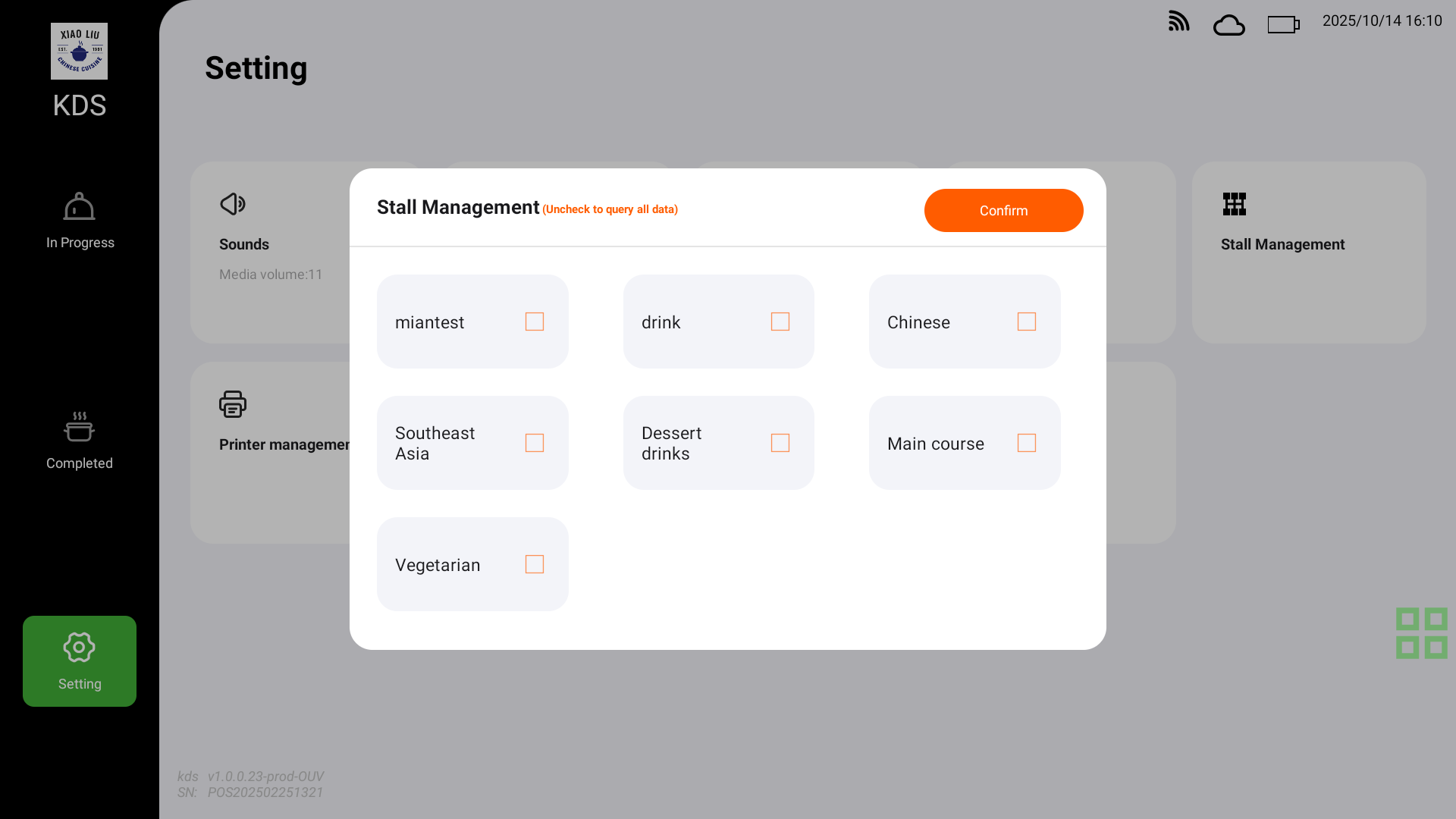
Time Tracking & Priority Handling
Real-time Monitoring, Smart Alerts
System automatically records preparation time with overtime highlighting alerts; supports rush orders and priority queuing to ensure efficient operations during peak hours.
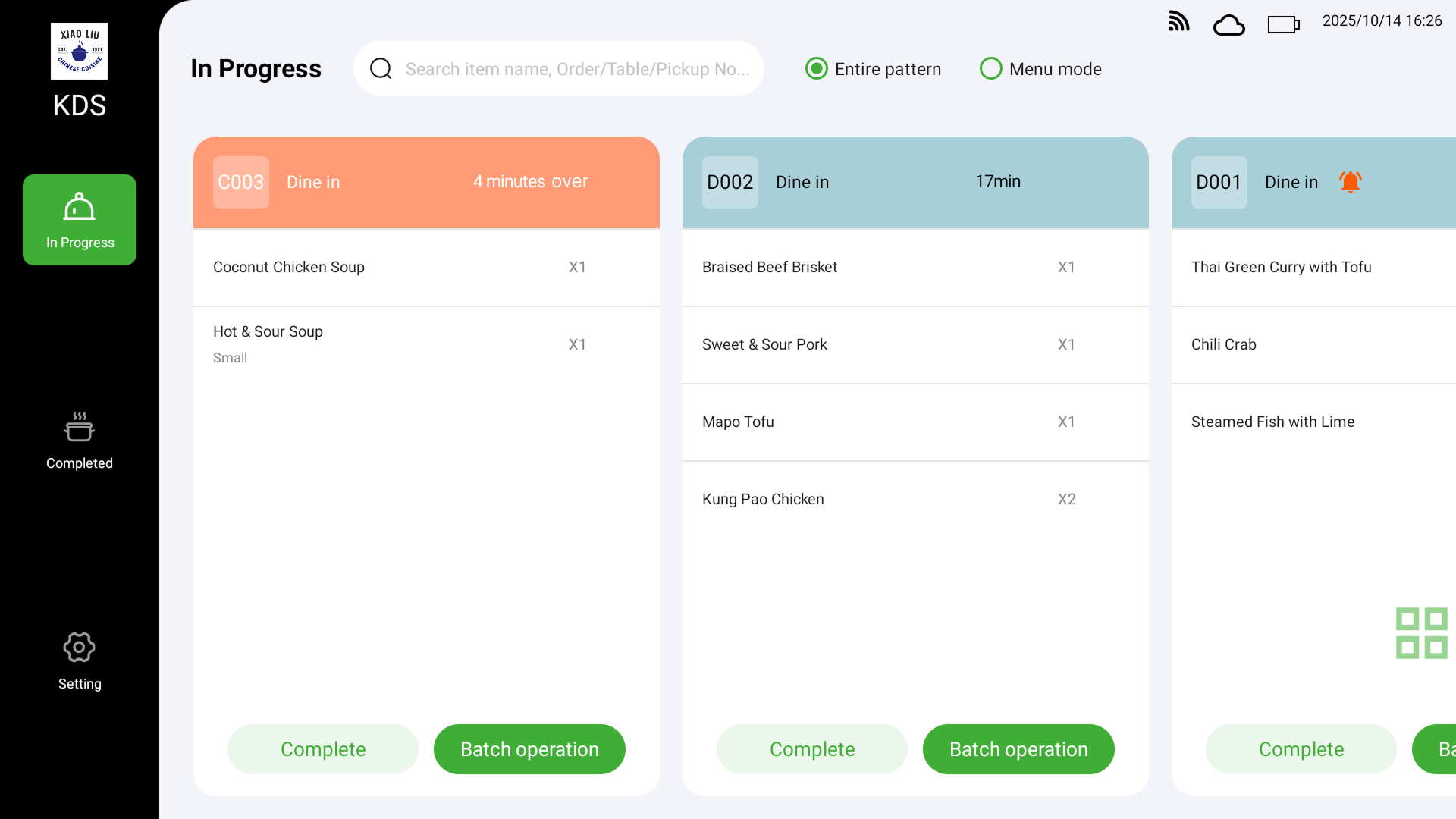
Order Mode & Item Mode
Flexible Switching, Customizable Views
KDS can display in "Order View" or "Item View" modes, allowing chefs to switch freely according to their work preferences.
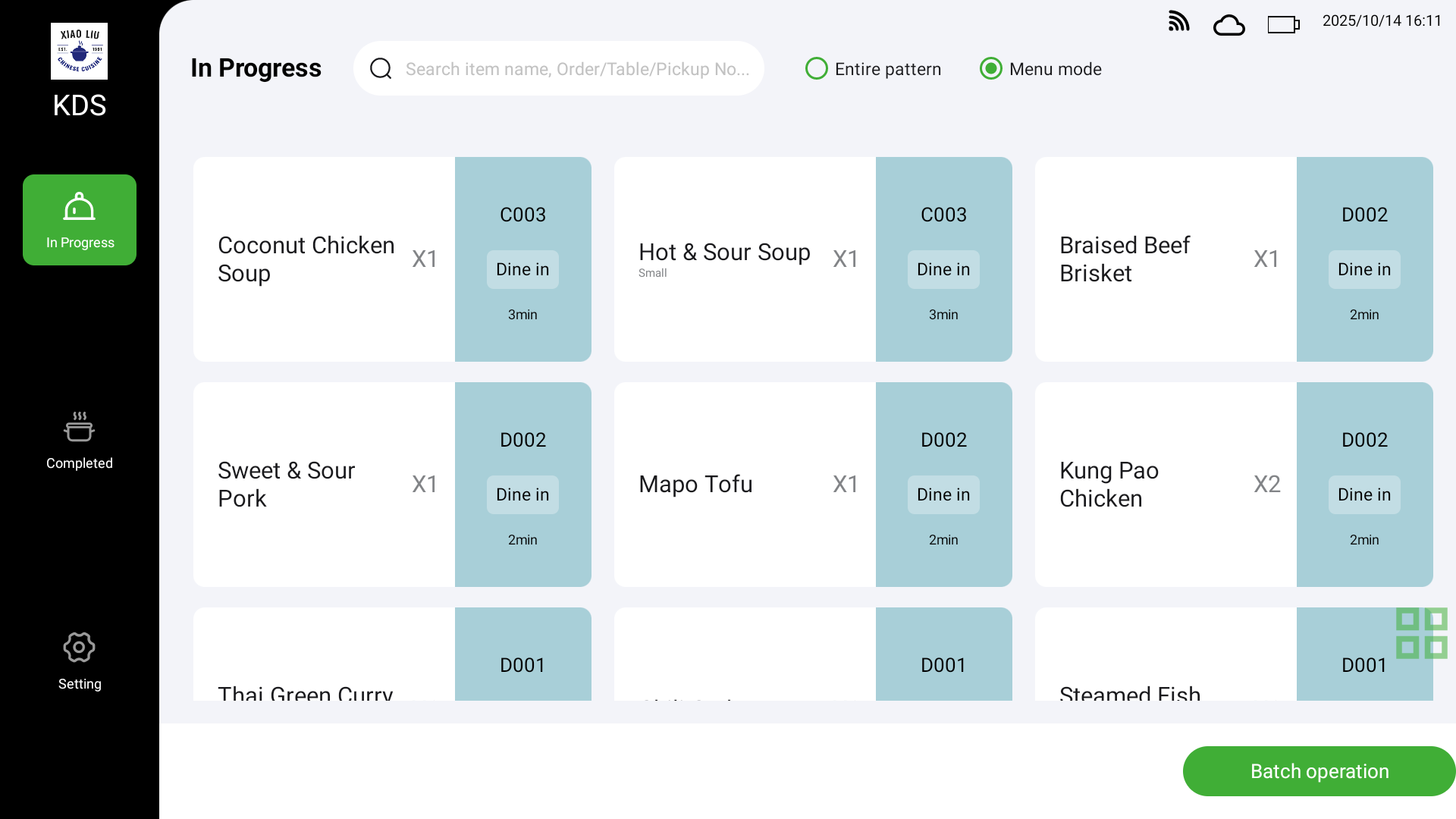
Completion Confirmation & Service Printing
One-click Complete, Fast Delivery
After chefs complete dishes, service tickets are automatically printed with table numbers, allowing waiters to quickly and accurately deliver food to the corresponding tables.
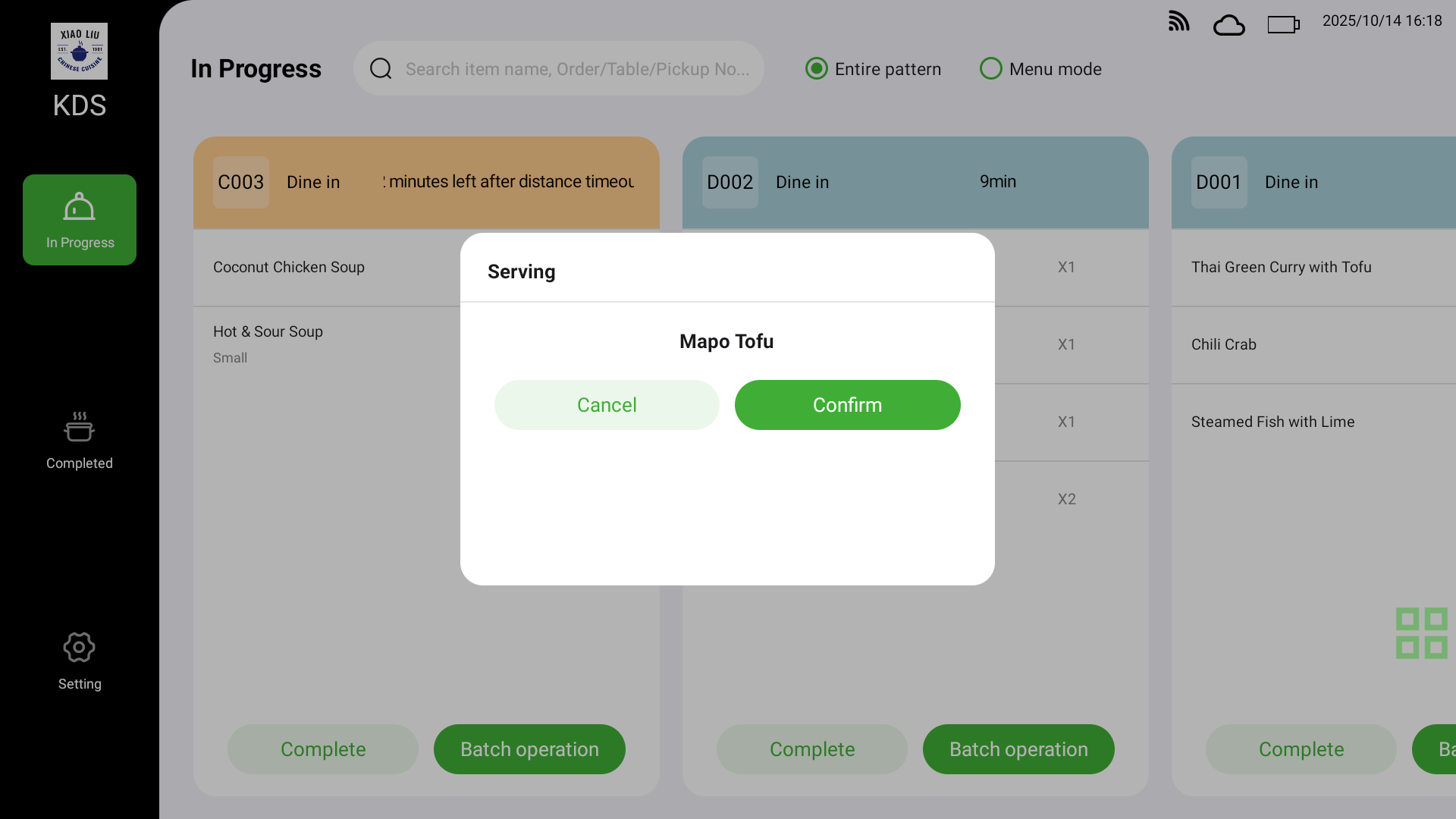
Voice Alerts & Visual Reminders
Multiple Alerts, Zero Missed Orders
When new orders or rush items arrive, the screen highlights and voice alerts sound, ensuring the kitchen responds promptly.
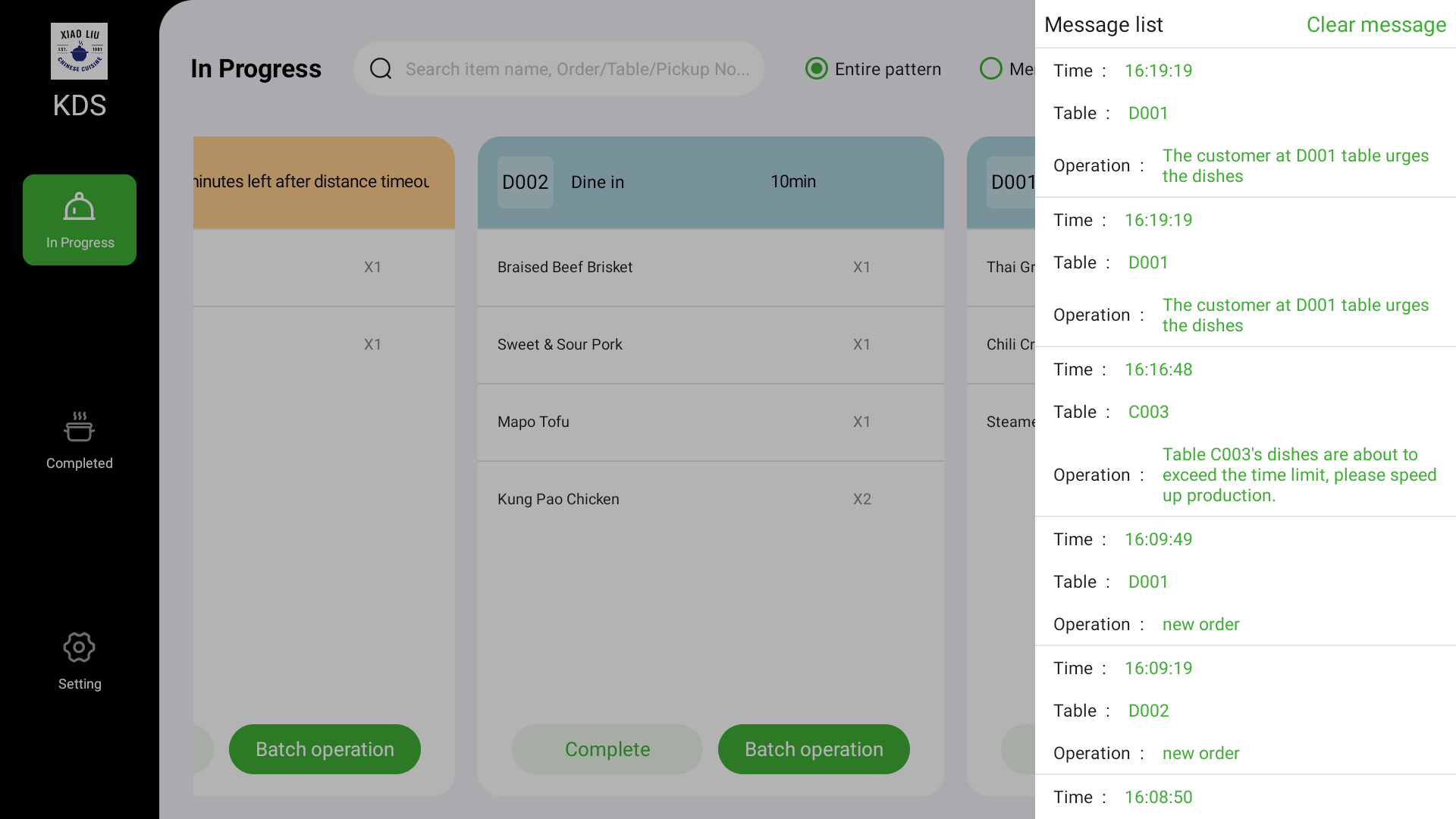
*For more feature inquiries, please contact technical support. Some features are continuously being optimized, actual experience is subject to the latest version
Application Scenarios
Multi-scenario Adaptation, Flexible Application
Multi-station Restaurants
Each station (hot dishes, cold dishes, beverages) has independent KDS screens, displaying only station-specific items, allowing chefs to focus on preparation for higher efficiency.
Peak Hours
Real-time order synchronization, countdown highlighting alerts and rush indicators work together to ensure orderly operations even during busy periods.
Dine-in/Fast Food Mixed Operations
Can switch between "Order Mode" or "Item Mode" display to accommodate different kitchen work habits.
Technology & Hardware Support
Professional Equipment, Stable and Reliable
Versatile Installation Options
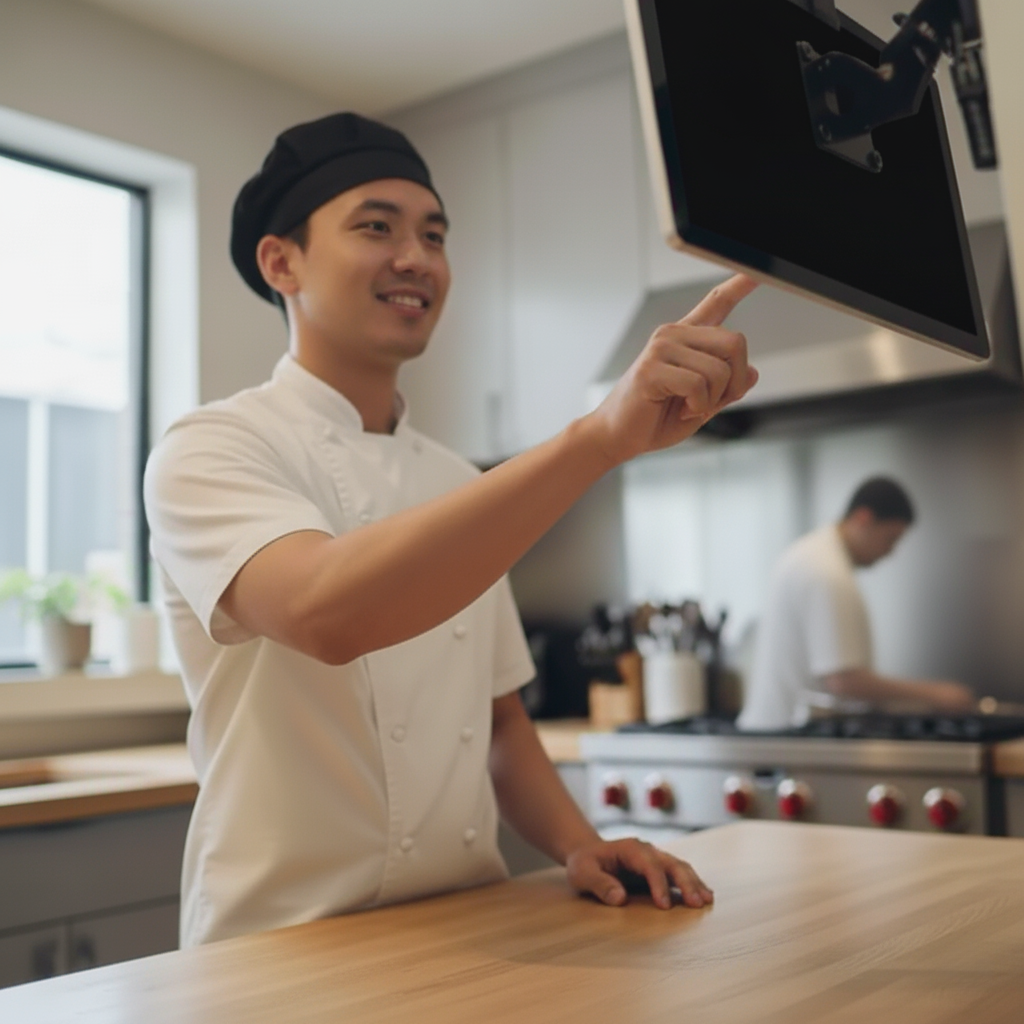
Supports desktop, wall-mounted, and suspended installation, flexibly adapting to different kitchen layouts and space constraints
Touch Operation Support
High-definition touch displays with fast response, heat-resistant and oil-proof, suitable for kitchen environments
Multi-screen Synchronization
One kitchen can configure multiple terminals for synchronized display, automatically updating orders and preparation progress
System Integration
Seamlessly integrates with POS, QR code ordering, KIOSK and other front-end systems for full-chain information synchronization
Value & Results
Actual benefits brought by KDS Kitchen Display System to restaurants
Service Efficiency Improvement
Missed Order Rate Reduced to
Complaint Rate Reduction
Frequently Asked Questions
Answers to Your Questions